 More than +1 Million customers put their trust in us | INSTANT-DELIVERY

Cart is empty
 Our Brands












Save 28%
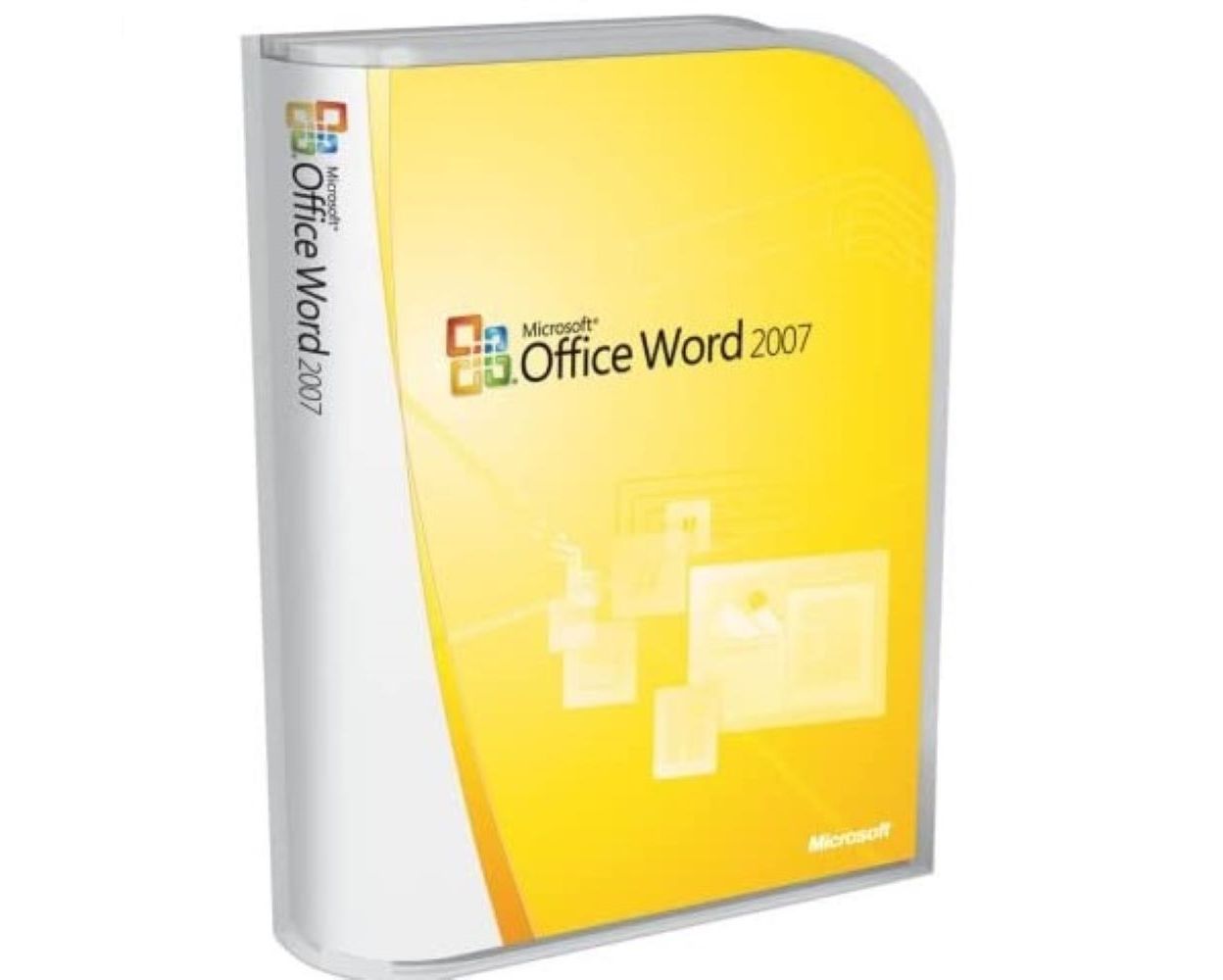
Hover on image to enlarge

Word 2007
Delivery
Immediately via email
Technical Support
Free
Activation Key
Authentic Code
Download
Download Link
Installation Guide(s)
Clear and detailed
Available Languages
Multilingual
Platform(s)

Validity
Lifetime
Country Zone(s)
Worldwide
Version
Full Version

The Benefits of Buying Word 2007 from us
Guaranteed Authenticity
All our softwares are 100% authentic, directly from official manufacturers.
Warranty
Enjoy peace of mind with our during the product's validity warranty, far beyond the standard 30 days.
Free Installation
Enjoy a free installation service for a hassle-free setup.
24/7 Customer Support
Our dedicated team is available anytime to assist you.
Best Prices
Get the best prices: NZD51.99instead of NZD71.99 and save! NZD20!
Description
Microsoft Word 2007: Overview
Discover Microsoft Office Word 2007, an essential component of the 2007 Microsoft Office suite. Word 2007 is a powerful word processing program that allows you to create and share documents with an easy-to-use interface, while providing a wide range of writing tools. Here’s why you should consider purchasing Microsoft Word 2007:
- Quick Document Creation: Create documents faster with predefined parts and formats.
- Blog Publishing: Write and publish blogs directly from Word using its familiar interface.
- Advanced Document Management Tools: Seamless integration with Microsoft Office SharePoint Server 2007 and support for XML formats.
- Diagram and Chart Creation: Create professional diagrams with SmartArt and integration with Excel and PowerPoint.
Key Features of Microsoft Word 2007
Advanced Writing Features
Microsoft Word 2007 offers powerful tools for writing documents more efficiently, thanks to the integration of XML technology and new file formats. You can easily create long and complex documents while enjoying an optimized user experience.
Blogging Directly from Word
Publish your blog posts using the integrated tools in Word. This process allows you to create content with images, rich formatting, and spell check before publishing it on platforms like Blogger and SharePoint.
Enhanced Collaboration with SharePoint
The advanced integration with Microsoft Office SharePoint Server enables smooth collaboration with others, centralizing document management for better team efficiency.
A User-Friendly Interface for Professional Documents
Office Fluent Interface
The Office Fluent interface is designed to help you easily find the tools you need to create professional documents. All tools are logically organized, allowing for smooth navigation and a significant time-saving.
Diagram Creation Tools with SmartArt
SmartArt diagrams offer a simple yet professional way to visualize complex information in your documents, allowing you to create attractive and clear visuals.
Using Keyboard Shortcuts for Better Productivity
Keyboard shortcuts in Word 2007 enable faster work, keeping your hands on the keyboard and improving efficiency by reducing unnecessary movement between the keyboard and the mouse.
Advanced Collaboration and Integration with SharePoint
Document Management with SharePoint Server
Word 2007 seamlessly integrates with Microsoft Office SharePoint Server 2007, allowing you to create integrated solutions for online document management, collaborating with colleagues on shared documents.
Creating Content Management Solutions
Word 2007 and SharePoint Server enable you to create advanced solutions for content management, with tools that facilitate document organization and sharing.
Securing and Sharing Documents via SharePoint
Enhanced security and sharing options through SharePoint ensure that your documents are protected while remaining easily accessible to those who need them.
Blogging Creation and Publishing Tools
Simplified Publishing Interface
Blog publishing directly from Word is simple and quick. Word 2007 makes it easy to manage your articles and format them before publishing, allowing you to focus on the content rather than the technology.
Publishing on Multiple Platforms
Word allows you to publish your articles on various popular blogging platforms like Blogger, TypePad, and SharePoint, making it easy to share your content.
Spell Check and Formatting Before Publishing
Before publishing, you can benefit from Word’s spell check tool and advanced formatting options, ensuring that your articles are flawless.
System Requirements for Microsoft Word 2007
For an optimal experience with Microsoft Word 2007, here are the recommended minimum system configurations:
- Operating System: Windows 10, 8, 8.1, 7, Vista, XP
- Memory: 256 MB RAM or more
- Processor: 500 MHz or faster processor
- Hard Drive Space: 1 GB available space
Frequently Asked Questions About Microsoft Word 2007
-
Can I use Microsoft Word 2007 on a Mac?
Microsoft Word 2007 is only available for Windows operating systems. If you are using a Mac, you will need to install a Windows emulator or opt for a newer version of Microsoft Word that is compatible with macOS.
-
What Are the Benefits of Microsoft Word 2007 Compared to Previous Versions?
Microsoft Word 2007 offers a more modern interface and advanced features such as blog publishing, integration with SharePoint, and more powerful diagram creation tools, making it more efficient and user-friendly than earlier versions.
-
How to Download and Activate Microsoft Word 2007?
Once your purchase is complete, you will receive a secure download link and a valid license key via email. Follow the installation instructions, enter your product key, and start using Microsoft Word 2007 immediately.