 More than +1 Million customers put their trust in us | INSTANT-DELIVERY

Cart is empty
 Our Brands












Save 19%
Hover on image to enlarge
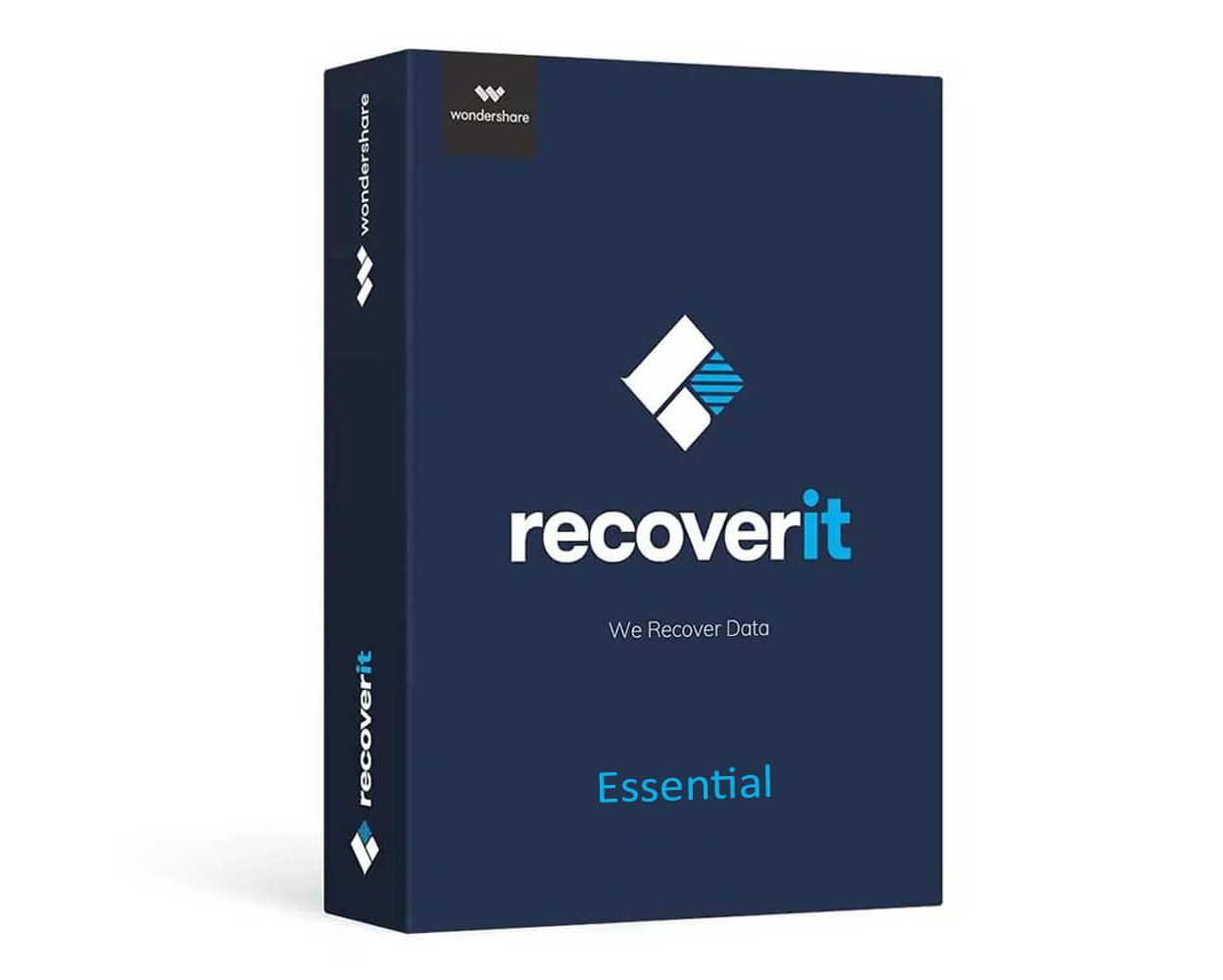
Wondershare Recoverit Essential

Delivery within 24 hours via email
Technical Support
 Free
Free
Free
Activation Key
 Authentic Code
Authentic Code
Download
 Download Link
Download Link
Available Languages
 Multilingual
Multilingual
Platform(s)
 Windows |
Available validities
 Lifetime
Lifetime
Country Zone(s)
 Worldwide
Worldwide
Version
 Full Version
Full Version

The Benefits of Buying Wondershare Recoverit Essential from us
Guaranteed Authenticity
All our softwares are 100% authentic, directly from official manufacturers.
Warranty
Enjoy peace of mind with our during the product's validity warranty, far beyond the standard 30 days.
Free Installation
Enjoy a free installation service for a hassle-free setup.
24/7 Customer Support
Our dedicated team is available anytime to assist you.
Best Prices
Get the best prices: NZD116.99instead of NZD144.99 and save! NZD28!
Description
Wondershare Recoverit Essential: Overview
Wondershare Recoverit Essential is a powerful and reliable data recovery software designed for basic recovery needs on Windows PCs. It efficiently recovers lost, deleted, or formatted files from various storage devices, including documents, photos, videos, emails, and system files, ensuring your important data is restored with ease.
- Prend en charge plus de 550 types de fichiers pour une couverture complète de récupération.
- Supports over 550 file types for comprehensive recovery coverage.
- Offers both full and selective recovery options, including from formatted drives and external devices.
- Features a user-friendly interface with clear and intuitive menus.
- Scans quickly with high processing speed, providing real-time progress and file previews.
- Boasts an impressive recovery rate of approximately 96%.
Wondershare Recoverit Essential: Key Features
Comprehensive File Type Support and Versatile Recovery Scenarios
Wondershare Recoverit Essential supports an extensive range of file formats, including photos, videos, music, documents, emails, and many more. This broad compatibility ensures that users can recover almost any lost file with ease. Additionally, the software is designed to handle various data loss scenarios such as accidental deletion, disk formatting, virus infections, and system crashes. Regardless of how the data was lost, Recoverit Essential provides a reliable and efficient solution to restore your important files.
Recovery from Multiple Storage Devices with Preview Capability
Recoverit Essential enables seamless recovery from a wide variety of external storage media, including USB drives, SD cards, external hard drives, and digital cameras. Users simply connect their devices to the computer, and the software manages the recovery process smoothly. Furthermore, the integrated preview feature allows users to view recoverable files before restoring them. This preview function helps verify the integrity and relevance of files, ensuring only the necessary data is recovered.
Powerful Scanning Options with User-Friendly Interface
The software offers two effective scanning modes: a deep scan and a quick search. The deep scan performs a thorough examination of the entire storage device to locate even the most hidden or hard-to-retrieve files, while the quick search swiftly finds recently deleted data for faster recovery. Coupled with an intuitive and clean interface, Recoverit Essential guides users step-by-step throughout the recovery process. Clear instructions and an easy-to-use design make it accessible for both beginners and experienced users alike.
How to Use Wondershare Recoverit Essential
- Download and Install:: Visit the official Wondershare website to download and install Recoverit Essential on your computer. Launch the application after installation.
- Select Location:: Choose the drive or external device where the data loss occurred.
- Start Scan:: Click the “Scan” button to begin searching for lost files. Monitor the scan progress in real-time.
- Preview and Recover:: After the scan completes, preview the recoverable files. Select the desired files and click “Recover” to save them to a safe location.
System Requirements
Windows:
- Operating System: Windows 7, 8, 8.1, 10, 11
- Processor: 1 GHz (32-bit or 64-bit)
- RAM: Minimum 256 MB
- Free Disk Space: At least 200 MB
Mac:
- Operating System: macOS 10.10 and above
- Processor: 1 GHz (32-bit or 64-bit)
- RAM: Minimum 256 MB
- Free Disk Space: At least 200 MB
Frequently Asked Questions
-
What types of files can Wondershare Recoverit Essential recover?
Wondershare Recoverit Essential supports recovery of a wide range of file types including photos, videos, documents, emails, system files, and more, covering over 550 file formats.
-
Can Recoverit Essential recover data from formatted or corrupted drives?
Yes, it supports recovery from formatted disks as well as from drives affected by virus attacks, system crashes, or accidental deletion.
-
Is it possible to recover files from external devices using Recoverit Essential?
Absolutely. Recoverit Essential can recover lost files from external storage devices like USB drives, SD cards, external hard drives, and digital cameras with ease.
-
How do I download and activate Wondershare Recoverit Essential?
Once your purchase is complete, you'll receive a secure download link and a valid license key by e-mail. Follow the installation instructions, enter your product key and start using Wondershare Recoverit Essential immediately.