 More than +1 Million customers put their trust in us | INSTANT-DELIVERY

Cart is empty
 Our Brands










Save 85%
Hover on image to enlarge
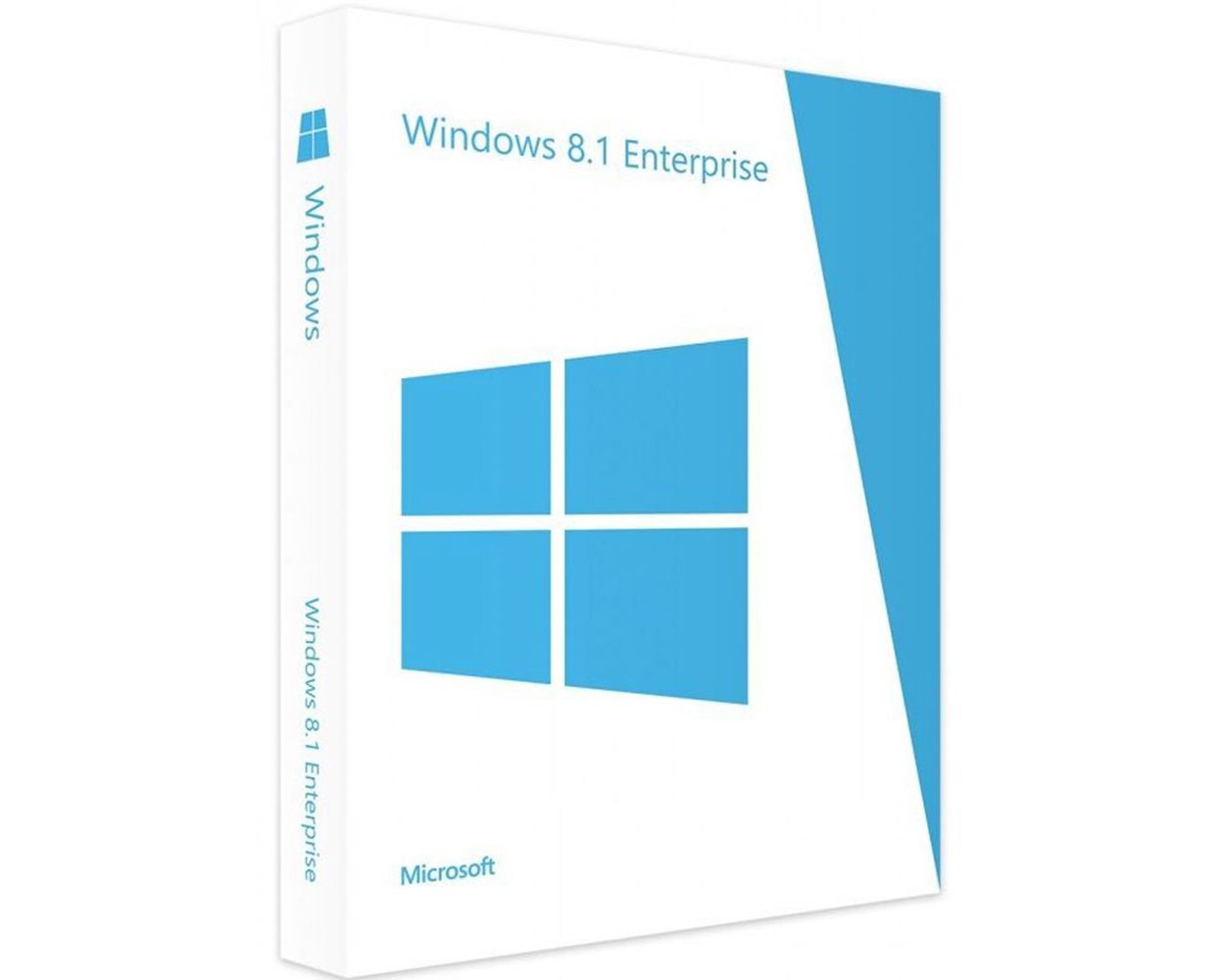
Windows 8.1 Enterprise
Delivery Immediately via email
Immediately via emailTechnical Support Free
Free
FreeActivation Key Authentic Code
Authentic CodeDownload Download Link
Download LinkInstallation Guide(s) Clear and detailed
Clear and detailedAvailable Languages Multilingual
MultilingualPlatform(s) Windows
WindowsAvailable validity Lifetime
LifetimeCountry Zone(s) Worldwide
WorldwideVersion Full Version
Full Version
The Benefits of Buying Windows 8.1 Enterprise from us
Guaranteed Authenticity
All our softwares are 100% authentic, directly from official manufacturers.
Warranty
Enjoy peace of mind with our during the product's validity warranty, far beyond the standard 30 days.
Free Installation
Enjoy a free installation service for a hassle-free setup.
24/7 Customer Support
Our dedicated team is available anytime to assist you.
Best Prices
Get the best prices: NZD60.99instead of NZD410.00 and save! NZD349.01!
Description
Windows 8.1 Enterprise - Overview
- Advanced Security: Includes BitLocker, AppLocker, and Windows Defender for comprehensive data protection.
- Improved Virtualization: Supports features like Windows To Go and Client Hyper-V for flexible virtual environments.
- Remote Access: Offers DirectAccess for seamless connectivity to enterprise networks without VPNs.
- Enhanced Productivity: Efficient multitasking with the Snap feature, allowing multiple apps on the screen simultaneously.
- Comprehensive Device Management: Centralized IT control with Group Policies and Mobile Device Management (MDM).
- Flexible Deployment: Ideal for large organizations requiring robust security and management across multiple devices.
Features and Benefits of Windows 8.1 Enterprise
Windows 8.1 Enterprise is the professional edition of Windows 8.1, designed specifically for businesses and large organizations. It offers a wide range of advanced features for security, management, virtualization, and productivity, providing IT administrators with the tools needed to effectively manage an enterprise environment. Windows 8.1 Enterprise is built to enhance productivity while maintaining a high level of security and control over devices within the corporate network.
Windows To Go
This feature enables users to create a fully manageable portable version of Windows 8.1 on a USB drive. With Windows To Go, employees can carry their work environment, allowing them to access their corporate desktop from any compatible PC without leaving data traces behind.
DirectAccess for Seamless Remote Access
DirectAccess provides remote users with secure access to the corporate network without the need for a traditional VPN. It ensures smooth connectivity for remote employees, boosting productivity while maintaining enterprise data security.
AppLocker for Application Control
AppLocker helps organizations control which applications and files can run on user devices. This feature allows IT administrators to specify authorized software, reducing the risk of untrusted applications being installed and ensuring compliance with corporate policies.
BranchCache for Improved WAN Efficiency
BranchCache enhances the efficiency of Wide Area Network (WAN) connections by caching content locally on PCs or servers at remote offices. This reduces the bandwidth required to access content from the main office, resulting in faster performance and a better user experience for branch offices.
Enhanced Security with BitLocker and BitLocker To Go
Windows 8.1 Enterprise includes BitLocker, which encrypts the entire disk to safeguard sensitive company data in case of theft or loss. BitLocker To Go extends this protection to USB drives, ensuring that portable devices containing critical data are also encrypted and secure.
Minimum System Requirements for Windows 8.1 Enterprise
- CPU: 1 GHz or faster processor with support for PAE, NX, and SSE2
- RAM: Minimum 1 GB for 32-bit; 2 GB for 64-bit
- Hard Disk: At least 16 GB (32-bit) or 20 GB (64-bit)
- Graphics Card: DirectX 9-compatible card required; some apps require DirectX 10 for better performance
- Display: 800 x 600 resolution
Frequently Asked Questions about Windows 8.1 Enterprise
-
What is Windows 8.1 Enterprise?
Windows 8.1 Enterprise is a business-focused edition of Windows 8.1 designed for large organizations. It includes advanced features for security, management, and virtualization that are essential for enterprise environments. It offers improved networking, deployment, and mobility solutions.
-
Does Windows 8.1 Enterprise support UEFI Secure Boot?
Yes, Windows 8.1 Enterprise supports UEFI Secure Boot, which helps prevent malware from loading during the boot process. This requires a system with UEFI firmware version 2.3.1 or later.
-
How do I download and activate Microsoft Windows 8.1 Enterprise?
After completing your purchase, you will receive a secure download link and a valid license key via email. Follow the installation instructions, enter your product key, and start using Windows 8.1 Enterprise immediately.