 More than +1 Million customers put their trust in us | INSTANT-DELIVERY

Cart is empty
 Our Brands












Save 11%
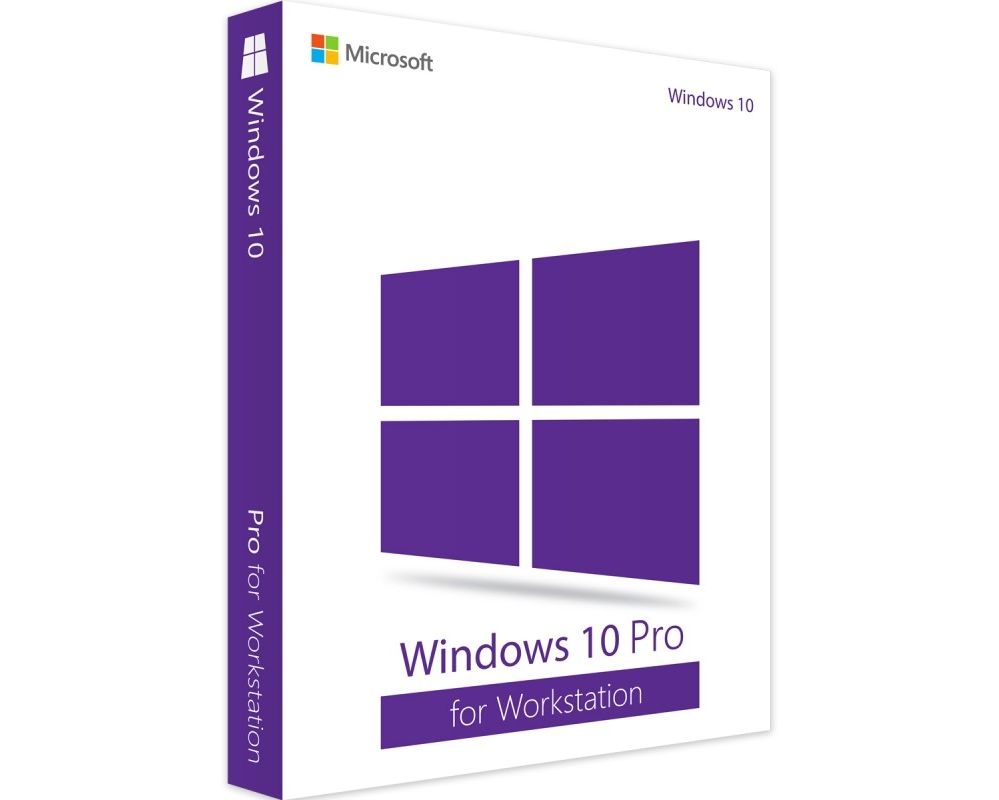
Hover on image to enlarge
Windows 10 Pro for Workstation
Delivery Immediately via email
Immediately via emailTechnical Support Free
Free
FreeActivation Key Authentic Code
Authentic CodeDownload Via the official website
Via the official websiteInstallation Guide(s) Clear and detailed
Clear and detailedAvailable Languages Multilingual
MultilingualPlatform(s) Windows
WindowsAvailable validity Lifetime
LifetimeCountry Zone(s) Worldwide
WorldwideVersion Full Version
Full Version
The Benefits of Buying Windows 10 Pro for Workstation from us
Guaranteed Authenticity
All our softwares are 100% authentic, directly from official manufacturers.
Warranty
Enjoy peace of mind with our during the product's validity warranty, far beyond the standard 30 days.
Free Installation
Enjoy a free installation service for a hassle-free setup.
24/7 Customer Support
Our dedicated team is available anytime to assist you.
Best Prices
Get the best prices: NZD274.99instead of NZD309.99 and save! NZD35!
Description
Microsoft Windows 10 Pro For Workstations - Overview
- Access advanced data management features with the Resilient File System (ReFS), optimized for handling large data volumes and ensuring error recovery.
- Benefit from persistent memory support, reducing load times and optimizing critical application performance.
- Connect multiple GPUs for superior graphical performance, ideal for tasks like 3D modeling, video editing, and other graphic-intensive operations.
- Ensure enhanced security with features like BitLocker, protecting your data against unauthorized access and cyber threats.
Key Advantages and Features of Windows 10 Pro For Workstations
Windows 10 Pro for Workstations is designed to deliver optimal performance on high-end hardware. It supports multi-core processors and systems with large amounts of RAM, offering enhanced processing power for intensive workloads. With the Resilient File System (ReFS), it ensures better protection against data corruption. Additionally, it supports non-volatile storage disks (NVDIMM-N) for ultra-fast file access and provides advanced resource management for professional users.
Exceptional Performance
Windows 10 Pro for Workstations is tailored to handle resource-intensive applications like 3D rendering and large-scale data processing. By supporting high-end processors and efficiently managing intensive tasks, it ensures optimal performance for professional users.
Resilient File System (ReFS)
The Resilient File System (ReFS) enhances data management by offering protection against errors and file corruption. This system is particularly suited for environments that handle large data volumes, ensuring data integrity and quick recovery in case of issues.
Persistent Memory Support
This feature enhances loading times for critical applications and optimizes overall system performance. By utilizing persistent memory, users gain rapid access to essential data, crucial for intensive processing tasks.
Multiple GPU Connectivity
Windows 10 Pro for Workstations supports the connection of multiple Graphics Processing Units (GPUs), improving graphical performance. This feature is ideal for professionals in design, video editing, and scientific applications, providing a smooth and responsive visual experience.
Advanced Management Tools
This operating system includes advanced tools for deployment and administration, simplifying device management in complex organizations. IT teams can efficiently configure, monitor, and manage computers, meeting the needs of large enterprises.
Workstation Hardware Support
Specifically designed for workstation hardware, Windows 10 Pro for Workstations leverages the latest technologies to ensure maximum performance and reliability. This optimization guarantees a seamless experience for professional users, even in demanding work conditions.
What Sets Windows 10 Pro For Workstations Apart from Other Windows 10 Editions?
Windows 10 Pro for Workstations sets itself apart from other editions of Windows 10 with features designed for intensive work environments. It supports multi-core processors, the Resilient File System (ReFS) for better data protection and persistent memory for improved load times.
This edition also enables the use of multiple graphics processing units (GPUs) for optimum visual performance in demanding applications. With advanced management tools, it facilitates deployment and administration in enterprise environments, offering maximum stability and reliability for professionals.
System Requirements for Windows 10 Pro For Workstations
- CPU: At least 1.0 GHz, supporting Xeon and Epyc processors, up to 4 CPUs per motherboard.
- RAM: Minimum 2 GB, maximum 6 TB.
- Hard Drive: At least 20 GB of free space for the operating system.
- Graphics Card: DirectX 9-compatible graphics card required; some applications require DirectX 10 for better performance.
- Display: Minimum resolution of 1024 * 600 pixels.
Frequently Asked Questions About Windows 10 Pro For Workstations
-
What is Windows 10 Pro for Workstations?
Windows 10 Pro for Workstations is an edition of Windows 10 designed for professionals and users with advanced computing needs. It offers optimized features for handling resource-intensive applications and powerful hardware configurations.
-
What are the key benefits of Windows 10 Pro for Workstations?
Key benefits include support for high-end processors, a Resilient File System (ReFS) for enhanced data protection, the ability to use multiple graphics processing units (GPUs), and advanced management tools for enterprise environments.
-
Can I use Windows 10 Pro for Workstations on a virtual device?
Yes, Windows 10 Pro for Workstations can be run on virtual machines. However, ensure the hypervisor used supports specific features, such as persistent memory.
-
How to Download and Activate Microsoft Windows 10 Pro For Workstations
Once your purchase is complete, you will instantly receive a secure download link and a valid license key via email. Follow the installation instructions, enter your product key, and start using Microsoft Windows 10 Pro For Workstations immediately.