 More than +1 Million customers put their trust in us | INSTANT-DELIVERY

Cart is empty
 Our Brands












Save 20%
Hover on image to enlarge
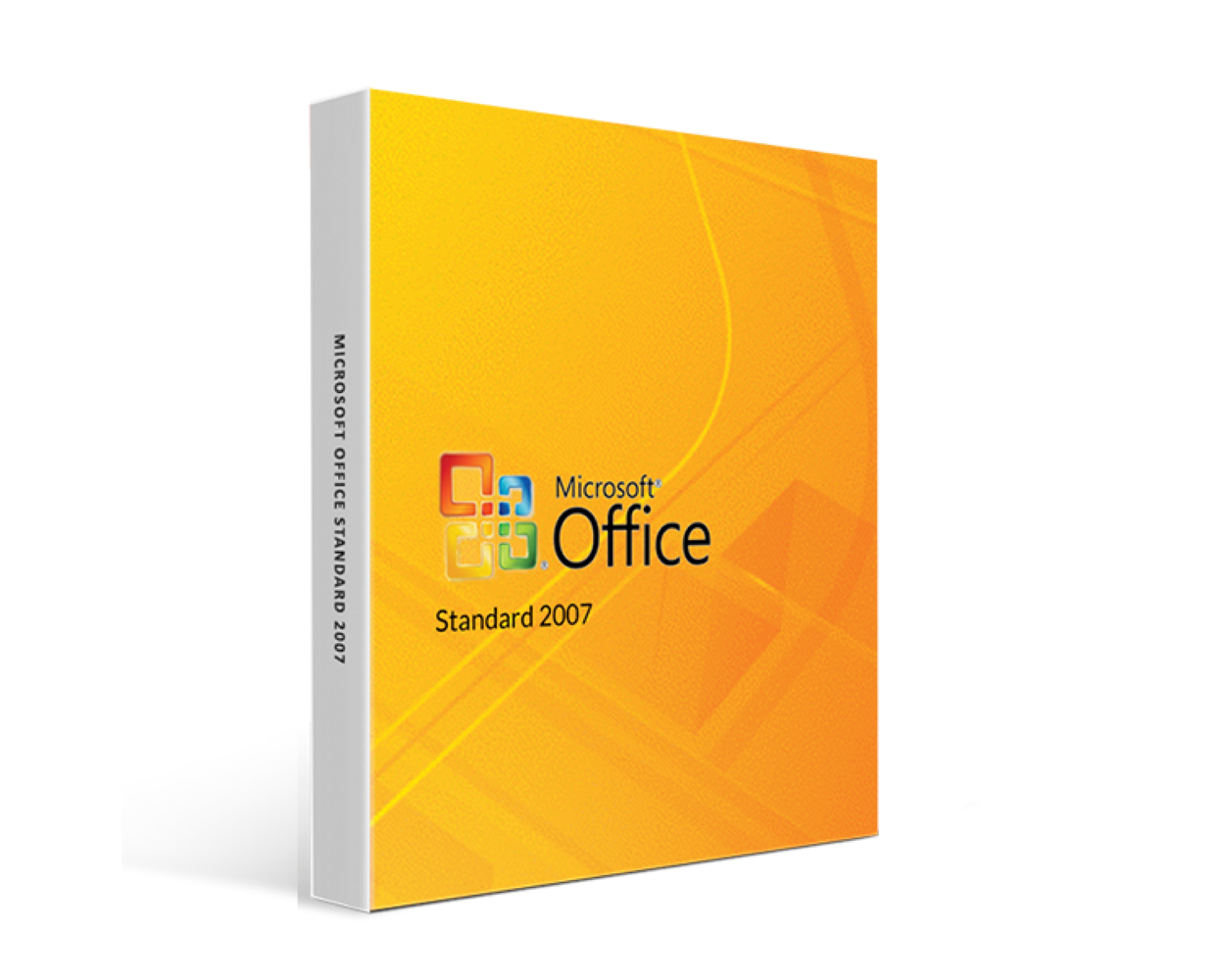
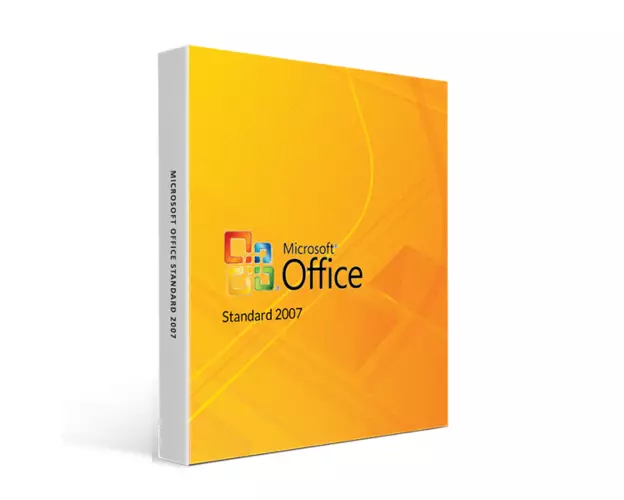
Office 2007 Standard
Delivery
Immediately via email
Technical Support
Free
Activation Key
Authentic Code
Download
Download Link
Installation Guide(s)
Clear and detailed
Available Languages
Multilingual
Platform(s)

Validity
Lifetime
Country Zone(s)
Worldwide
Version
Full Version

The Benefits of Buying Office 2007 Standard from us
Guaranteed Authenticity
All our softwares are 100% authentic, directly from official manufacturers.
Warranty
Enjoy peace of mind with our during the product's validity warranty, far beyond the standard 30 days.
Free Installation
Enjoy a free installation service for a hassle-free setup.
24/7 Customer Support
Our dedicated team is available anytime to assist you.
Best Prices
Get the best prices: NZD69.99instead of NZD87.99 and save! NZD18!
Description
Microsoft Office 2007 Standard : Overview
- Adoption of XML-based file formats
- Improved collaboration features enable seamless sharing and communication with colleagues.
- Enhanced time management capabilities in Outlook help you stay organized with appointments and deadlines.
Enhancing Productivity with Microsoft Office Standard 2007
Microsoft Office Standard 2007 offers essential tools and features that enhance productivity and simplify computer tasks. With its revamped menus, toolbars, and improved graphics and formatting options, navigating the software becomes more intuitive and visually appealing.
Enhanced User Interface
The user interface of Office Standard 2007 significantly improves the usability of the applications. With a streamlined layout and dynamic, results-oriented galleries, you can concentrate more on your work than figuring out how to use the software. This intuitive design enables you to create stunning documents, impactful presentations, effective spreadsheets, and robust desktop database applications with ease.
Ribbon Interface
Office Standard 2007 introduces the Ribbon, a new interface that organizes commands into tabs, replacing traditional menus and toolbars. Each tab presents the most relevant commands for specific tasks within the applications. For example, in Word, tabs group commands for inserting objects, managing page layout, handling references, creating mailings, and conducting reviews, with the Home tab providing quick access to frequently used commands. Excel also features tailored tabs for spreadsheet tasks, including formulas, data management, and review. This structure simplifies access to features by aligning commands with your tasks in each application.
Improving Business Processes
Office 2007 applications enhance the understanding of company information by providing practical search options that require minimal effort. They seamlessly integrate into business processes, allowing data to be shared across various systems and platforms.
Set of applications
Microsoft Office 2007 Standard includes the following applications:
- Microsoft Word 2007 (Word processing)
- Microsoft Excel 2007 (Spreadsheet)
- Microsoft PowerPoint 2007 (Presentations)
- Microsoft Outlook 2007 (Email)
System requirements
To ensure optimum performance, please check that your system meets the following requirements:
- Computer and processor: x86/x64 processor with minimum 1 GHz and SSE2 instruction set
- Memory: 1 GB RAM for 32-bit versions; 2 GB RAM for 64-bit versions
- Hard disk: 3.0 GB of available space
- Display: Monitor with 1366 × 768 resolution
- Operating system: Windows XP (SP3, 32-bit), Windows Server 2003 SP2 (32-bit), Windows Vista (SP1, 32-bit/64-bit), Windows Server 2008 (SP1, 32-bit/64-bit), Windows 7 (SP1, 32-bit/64-bit) et Windows 8 (SP1, 32-bit/64-bit), Windows 8.1 (SP1, 32-bit/64-bit), Windows 10 (SP1, 32-bit/64-bit).
- Graphics: Hardware acceleration requires a DirectX 10-compatible graphics card
Frequently asked questions
-
Can I use Microsoft Office 2007 Standard on several devices?
The license generally allows installation on a single device. Please consult the license agreement for details on multi-device use.
-
Is support available for installation problems?
Yes, Our service is available to help you with any problem you may encounter.
-
How to download, and activate Microsoft Office 2007 Standard?
Once your purchase is complete, you'll receive a secure download link and a valid license key by email. Follow the installation instructions, enter your product key and start using Microsoft Office 2007 Standard immediately.
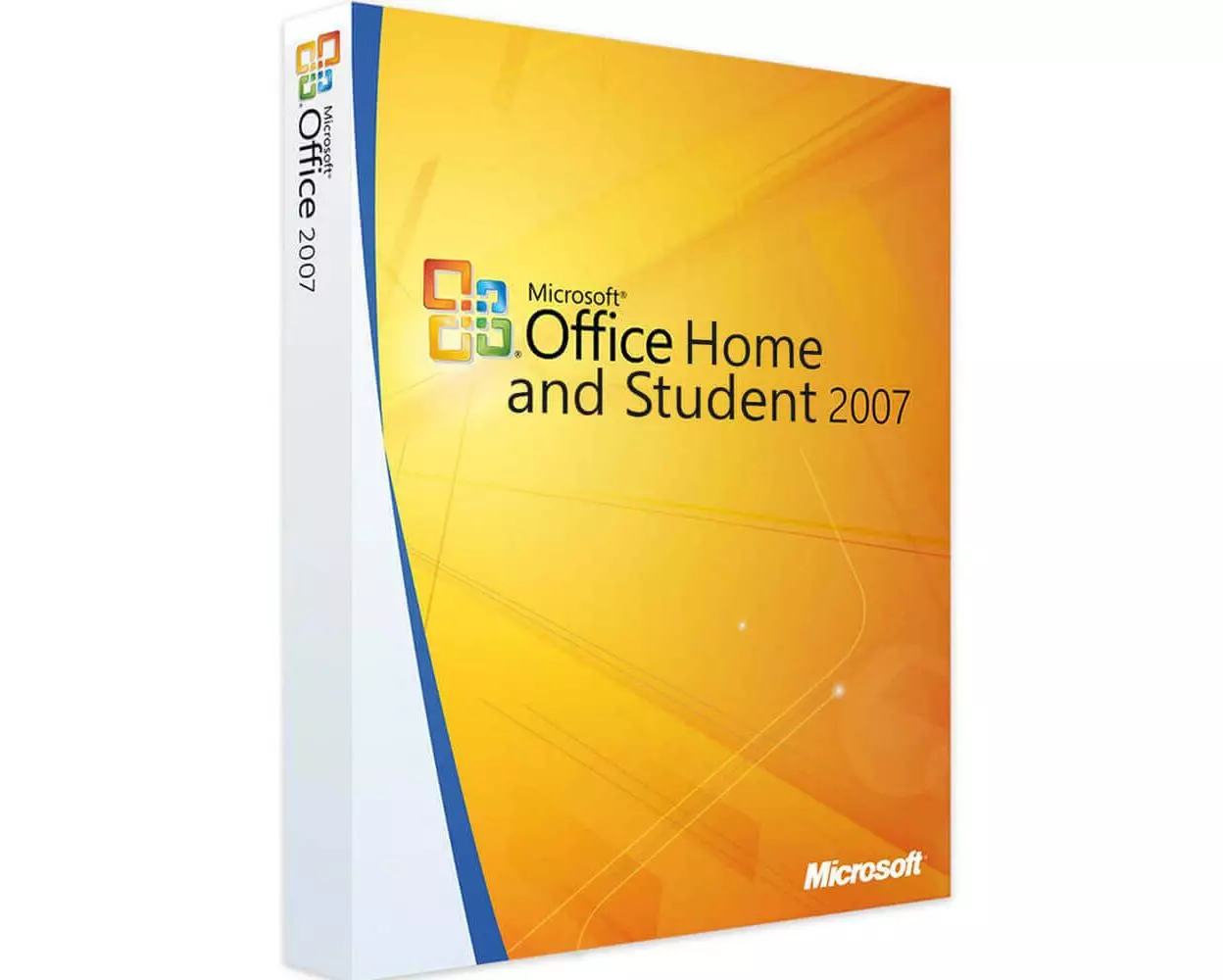
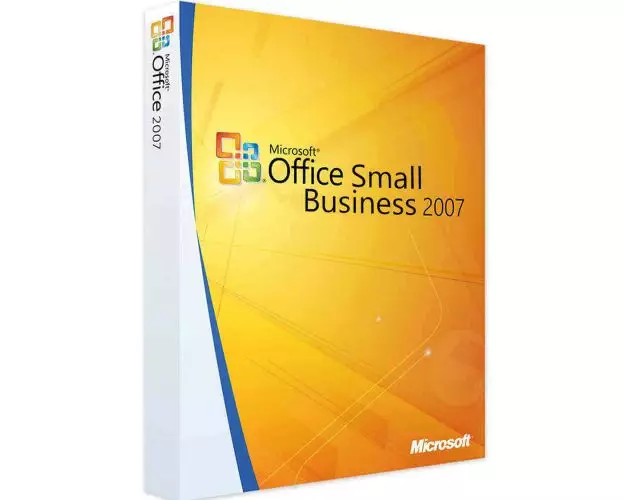
Comparative Table of Solutions Office 2007
| Microsoft Office 2007 |
|
|
|
|
|
|---|---|---|---|---|---|
Word

|
✔ | ✔ | ✔ | ✔ | ✔ |
Excel

|
✔ | ✔ | ✔ | ✔ | ✔ |
PowerPoint

|
✔ | ✔ | ✔ | ✔ | ✔ |
OneNote

|
✔ | ✔ | ✔ | ✔ | ✔ |
Outlook

|
❌ | ✔ | ❌ | ✔ | ✔ |
Publisher

|
❌ | ❌ | ✔ | ✔ | ✔ |
Access

|
❌ | ❌ | ❌ | ✔ | ✔ |
InfoPath

|
❌ | ❌ | ❌ | ❌ | ✔ |
SharePoint Workspace

|
❌ | ❌ | ❌ | ❌ | ✔ |
Lync

|
❌ | ❌ | ❌ | ❌ | ✔ |
|
NZD57.99
See more
|
NZD62.99
See more
|
NZD69.99
See more
|
NZD57.99
See more
|
NZD79.99
See more
|