 More than +1 Million customers put their trust in us | INSTANT-DELIVERY

Cart is empty
 Our Brands











Save 50%
Hover on image to enlarge
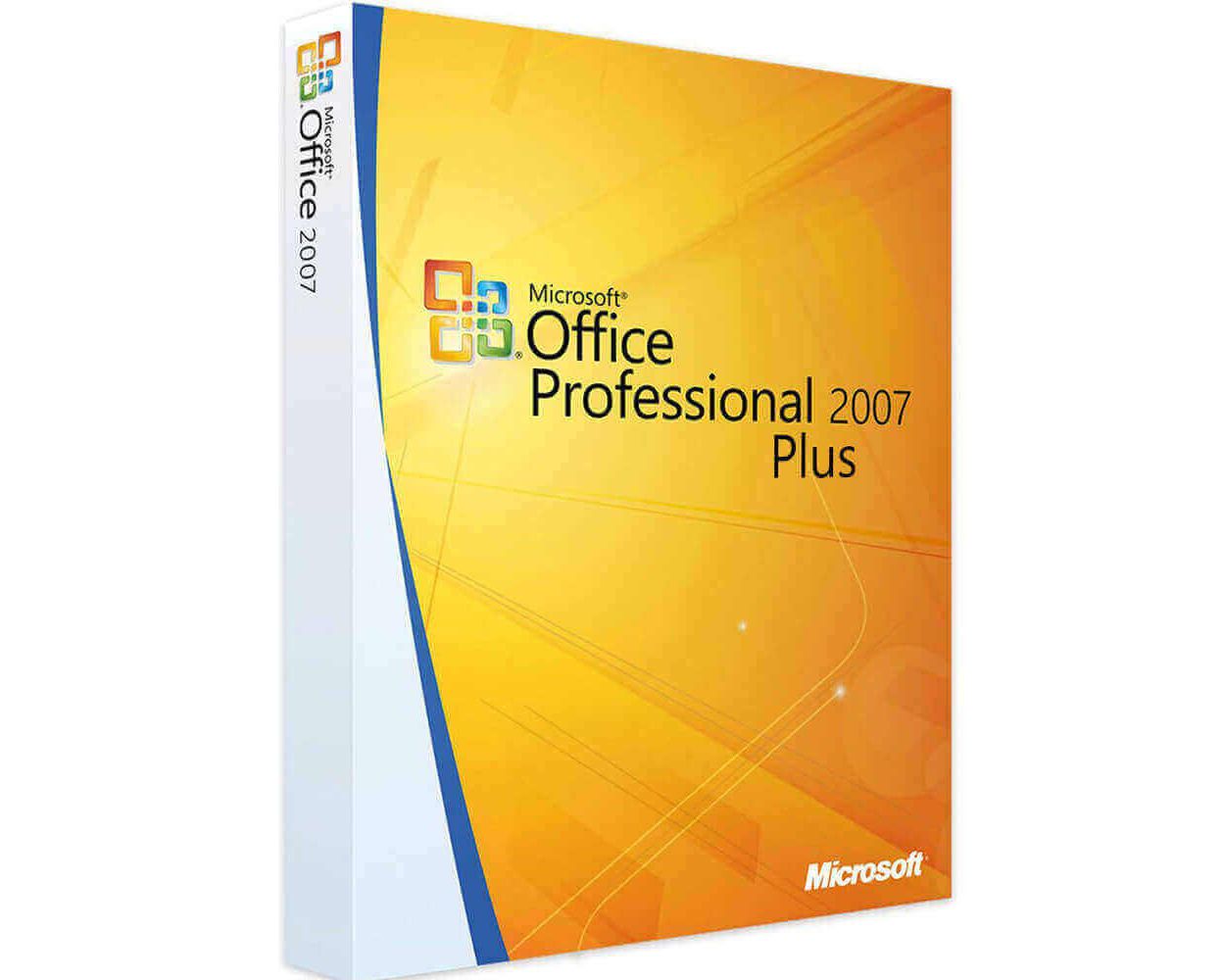
Office 2007 Professional Plus
Delivery
Immediately via email
Technical Support
Free
Activation Key
Authentic Code
Download
Download Link
Installation Guide(s)
Clear and detailed
Available Languages
Multilingual
Platform(s)

Validity
Lifetime
Country Zone(s)
Worldwide
Version
Full Version

The Benefits of Buying Office 2007 Professional Plus from us
Guaranteed Authenticity
All our softwares are 100% authentic, directly from official manufacturers.
Warranty
Enjoy peace of mind with our during the product's validity warranty, far beyond the standard 30 days.
Free Installation
Enjoy a free installation service for a hassle-free setup.
24/7 Customer Support
Our dedicated team is available anytime to assist you.
Best Prices
Get the best prices: NZD79.99instead of NZD159.00 and save! NZD79.01!
Description
Microsoft Office 2007 Professional Plus - Overview
- Enhance team collaboration with real-time document sharing and co-authoring tools.
- Utilize advanced applications for project management, multimedia content creation, and in-depth data analysis.
- Improve information access and sharing with Cloud storage features and integration with other online services.
- Facilitate strategic decision-making with built-in analytics and reporting tools that provide real-time insights.
Features of Microsoft Office 2007 Professional Plus
Microsoft Office 2007 Professional Plus is a comprehensive productivity suite designed to meet the needs of professionals and businesses. With advanced features and a user-friendly interface, this version enhances collaboration, simplifies the creation of high-quality documents, and enables efficient data management. Here is an overview of its main features:
Collaboration Tools
Real-time co-authoring and document sharing capabilities facilitate teamwork and improve communication among team members.
Enhanced Graphics and Visual Effects
Office 2007 introduces new styles, graphic effects, and SmartArt graphics, enabling users to effortlessly create visually appealing documents and presentations. Users can apply various styles and effects to shapes and images, enhancing the overall aesthetics of their work.
The New OpenXML File Format
With OpenXML, Office 2007, particularly the Professional Plus edition, introduces a new XML-based standard offering numerous advantages in today's business context. For example, XML support reduces file sizes, saving computer storage space and significantly decreasing document loading times on web pages.
Why Choose Microsoft Office 2007 Professional Plus?
Microsoft Office 2007 Professional Plus offers a comprehensive suite of powerful tools to enhance productivity and collaboration within teams. With advanced features for document creation, data analysis, and information presentation, this version is suitable for businesses of all sizes.
Integration among applications simplifies information sharing, while real-time collaboration tools strengthen communication and teamwork. Additionally, enhanced security protects your data, providing peace of mind. Choose Microsoft Office 2007 Professional Plus to streamline your daily tasks and support your professional success.
Application Suite
Microsoft Office 2007 Professional Plus includes the following applications:
- Microsoft Word 2007 (Word processing)
- Microsoft Excel 2007 (Spreadsheet)
- Microsoft PowerPoint 2007 (Presentations)
- Microsoft Access 2007 (Database management)
- Microsoft Outlook 2007 (Email)
- Microsoft InfoPath 2007 (Forms system)
- Microsoft Publisher 2007 (Desktop publishing)
- Microsoft OneNote 2007 (Note-taking)
- Microsoft SharePoint Designer 2007 (Web design tool)
- Microsoft Office Communicator 2007 (Instant messaging platform)
System Requirements
To ensure optimal performance, verify that your system meets the following requirements:
- Computer and processor: x86/x64 processor with a minimum of 1 GHz and SSE2 instruction set
- Memory: 1 GB of RAM for 32-bit versions; 2 GB of RAM for 64-bit versions
- Hard drive: 3.0 GB of available space
- Display: Monitor with a resolution of 1366 × 768
- Operating system: Windows XP (SP3, 32-bit), Windows Server 2003 SP2 (32-bit), Windows Vista, Windows Server 2008, Windows 7, Windows 8, Windows 8.1, Windows 10, Windows 11, and .NET Framework 3.5
- Graphics: Hardware acceleration requires a DirectX 10-compatible graphics card
Frequently Asked Questions
-
Can I use Microsoft Office 2007 Professional Plus on multiple devices?
The license generally allows installation on a single device. Please refer to the license agreement for details on multi-device usage.
-
Is support available for installation issues?
Yes, customer support is available to assist with any installation or activation issues you may encounter.
-
How do I download and activate Microsoft Office 2007 Professional Plus?
Once the purchase is complete, you will instantly receive a secure download link and a valid license key via email. Follow the installation instructions, enter your product key, and start using Microsoft Office 2007 Professional Plus immediately.
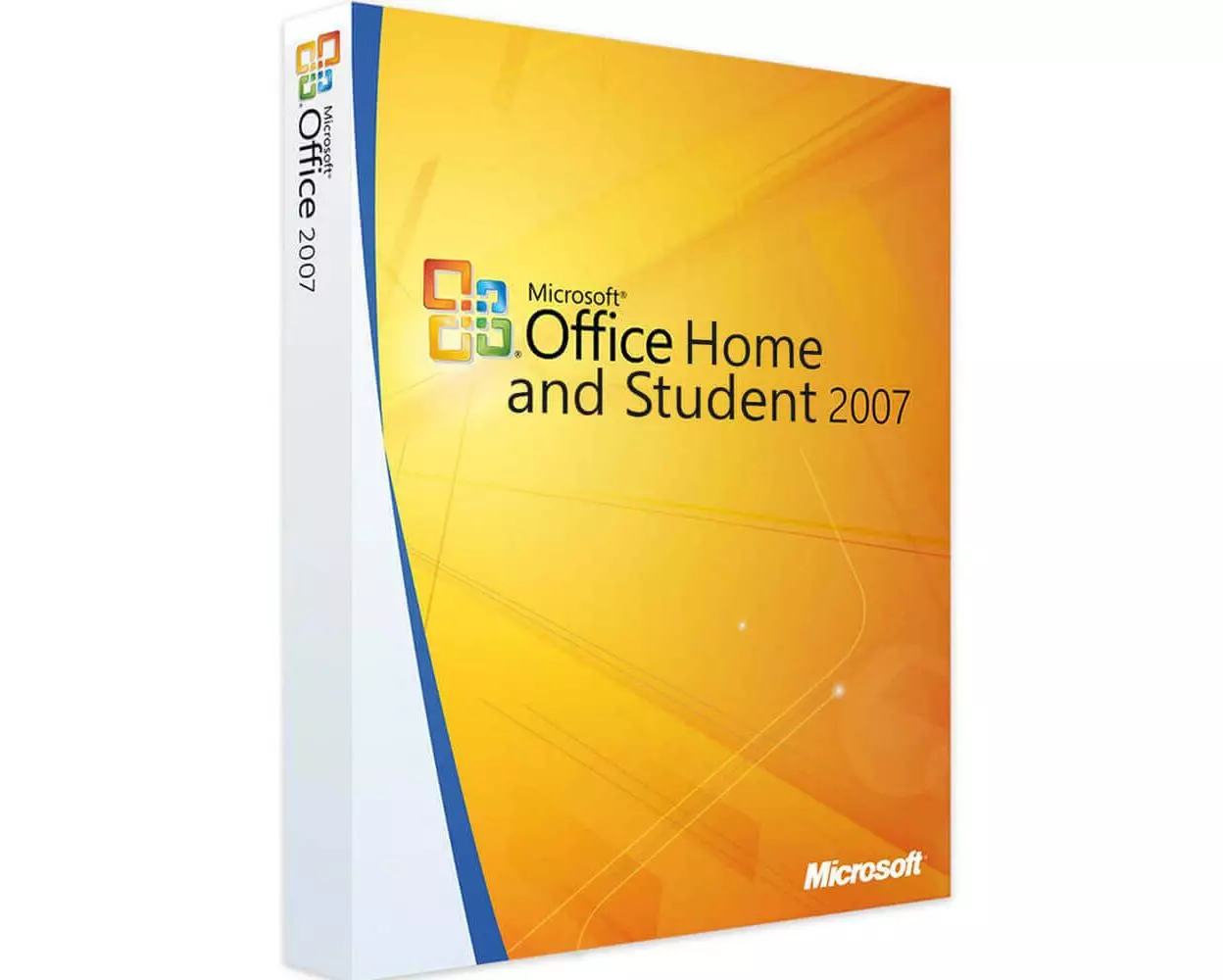
Comparative Table of Solutions Office 2007
| Microsoft Office 2007 |
|
|
|
|
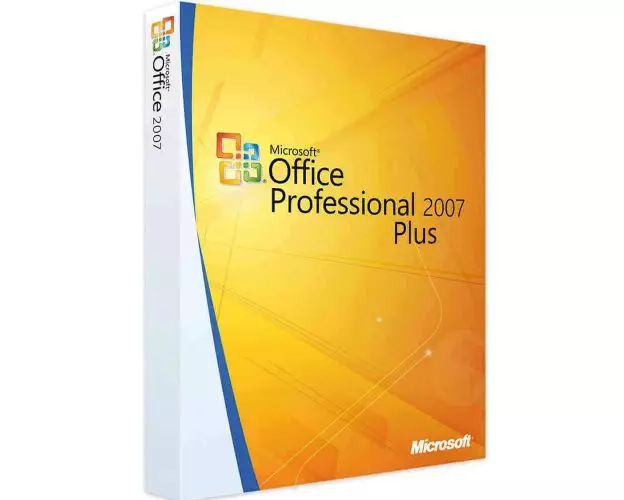
|
|---|---|---|---|---|---|
Word

|
✔ | ✔ | ✔ | ✔ | ✔ |
Excel

|
✔ | ✔ | ✔ | ✔ | ✔ |
PowerPoint

|
✔ | ✔ | ✔ | ✔ | ✔ |
OneNote

|
✔ | ✔ | ✔ | ✔ | ✔ |
Outlook

|
❌ | ✔ | ❌ | ✔ | ✔ |
Publisher

|
❌ | ❌ | ✔ | ✔ | ✔ |
Access

|
❌ | ❌ | ❌ | ✔ | ✔ |
InfoPath

|
❌ | ❌ | ❌ | ❌ | ✔ |
SharePoint Workspace

|
❌ | ❌ | ❌ | ❌ | ✔ |
Lync

|
❌ | ❌ | ❌ | ❌ | ✔ |
|
NZD57.99
See more
|
NZD62.99
See more
|
NZD69.99
See more
|
NZD57.99
See more
|
NZD79.99
See more
|