 More than +1 Million customers put their trust in us | INSTANT-DELIVERY

Cart is empty
 Our Brands











Save 29%
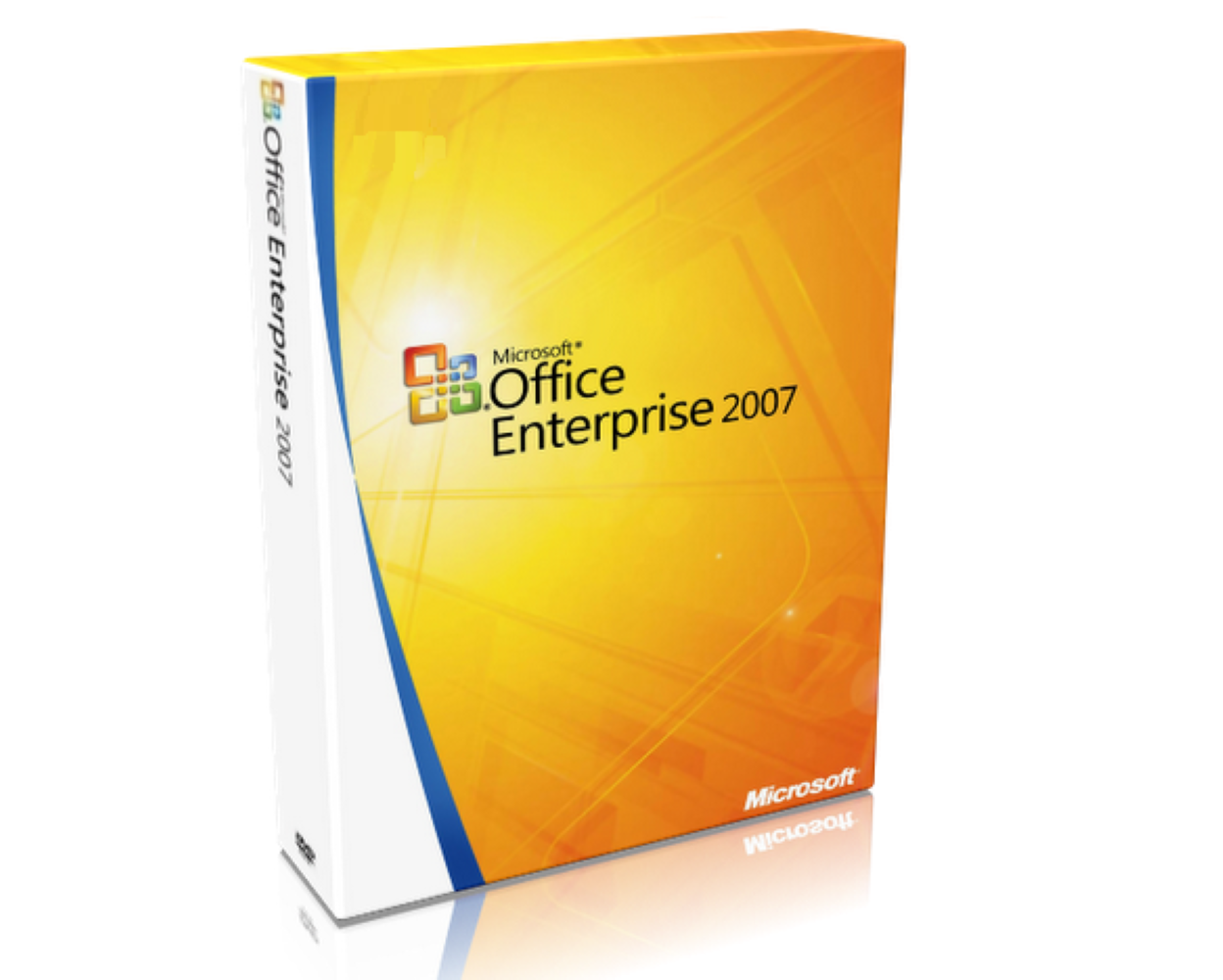
Hover on image to enlarge
Office 2007 Enterprise
 Delivery Immediately via email
Technical Support
Free
Activation Key
Authentic Code
Download
Download Link
Available Languages
Multilingual
Platform(s)

Validity
Lifetime
Country Zone(s)
Worldwide
Version
Full Version

The Benefits of Buying Office 2007 Enterprise from us
Guaranteed Authenticity
All our softwares are 100% authentic, directly from official manufacturers.
Warranty
Enjoy peace of mind with our during the product's validity warranty, far beyond the standard 30 days.
Free Installation
Enjoy a free installation service for a hassle-free setup.
24/7 Customer Support
Our dedicated team is available anytime to assist you.
Best Prices
Get the best prices: NZD73.99instead of NZD103.99 and save! NZD30!
Description
Microsoft Office 2007 Enterprise - Overview
- Most comprehensive version: Office 2007 Enterprise offered the most extensive suite of applications.
- Optimized for collaboration: The suite enables seamless teamwork, allowing teams to collaborate in real-time on projects, improving communication and project outcomes.
- Robust data management: The integration of advanced database management tools allows for efficient organization and analysis of data, facilitating informed decision-making.
- Enhanced security and compliance: Built-in security features ensure the protection of sensitive information and allow for the secure sharing of documents and data among teams.
Features of Microsoft Office 2007 Enterprise
Microsoft Office 2007 Enterprise is a comprehensive productivity suite designed to meet the diverse needs of businesses and organizations. With its range of powerful applications and enhanced collaboration tools, Office 2007 Enterprise enables users to create, communicate, and collaborate effectively. This edition offers a seamless user experience that integrates various features, allowing teams to work more efficiently and achieve their goals.
Advanced Collaboration Tools
The suite includes applications such as Groove and SharePoint Designer, which enhance team collaboration and project management. Groove allows for real-time collaboration, enabling team members to share files, communicate, and work on projects simultaneously, regardless of their physical location. SharePoint Designer makes it easier to create and customize SharePoint sites, facilitating effective information sharing and project tracking.
Intuitive User Interface
The introduction of the Ribbon interface simplifies navigation within applications, allowing users to quickly access functions and tools. The Ribbon groups related commands, making it easier to find the required functionality without navigating through multiple menus, thereby improving overall efficiency and user satisfaction.
Support for OpenXML File Formats
Office 2007 Enterprise supports the OpenXML file format, which significantly reduces file sizes and improves data integrity. This feature facilitates document sharing and management, especially in collaborative environments where multiple users access and modify files.
Integration with Office Communicator
This integration facilitates instant messaging and presence information, enabling real-time communication between team members. Users can quickly check the availability of their colleagues and start conversations directly from their Office applications, enhancing teamwork and responsiveness.
Suite of Applications
Microsoft Office 2007 Enterprise includes the following applications:
- Microsoft Word 2007 (Word Processor)
- Microsoft Excel 2007 (Spreadsheet)
- Microsoft PowerPoint 2007 (Presentations)
- Microsoft Access 2007 (Database Management)
- Microsoft Outlook 2007 (Email)
- Microsoft InfoPath 2007 (Forms System)
- Microsoft Publisher 2007 (Desktop Publishing)
- Microsoft OneNote 2007 (Note-taking)
- Microsoft SharePoint Designer 2007 (Web Design Tool)
- Microsoft Office Communicator 2007 (Instant Messaging Platform)
- Microsoft Groove 2007 (Collaborative Workspace Software)
System Requirements
To ensure optimal performance, please verify that your system meets the following requirements:
- Computer and Processor: x86/x64 processor with at least 1 GHz and SSE2 instruction set
- Memory: 1 GB RAM for 32-bit versions; 2 GB RAM for 64-bit versions
- Hard Disk: 3.0 GB of available space
- Display: Monitor with 1366 × 768 resolution
- Operating System: Windows XP (SP3, 32-bit), Windows Server 2003 SP2 (32-bit), Windows Vista, Windows Server 2008, Windows 7, Windows 8, Windows 8.1, Windows 10, Windows 11, and .NET Framework 3.5
- Graphics: Hardware acceleration requires a graphics card compatible with DirectX 10
Frequently Asked Questions
-
What file formats are supported by Office 2007 Enterprise?
Office 2007 Enterprise supports the OpenXML file format, which reduces file sizes and improves data integrity.
-
Is support available for installation issues?
Yes, our support service is available to assist you with any issues you may encounter.
-
How can I purchase, download, and activate Microsoft Office 2007 Enterprise?
Once your purchase is complete, you will immediately receive a secure download link and a valid license key by email. Follow the installation instructions, enter your product key, and start using Microsoft Office 2007 Enterprise right away.