 More than +1 Million customers put their trust in us | INSTANT-DELIVERY

Cart is empty
 Our Brands











Hover on image to enlarge
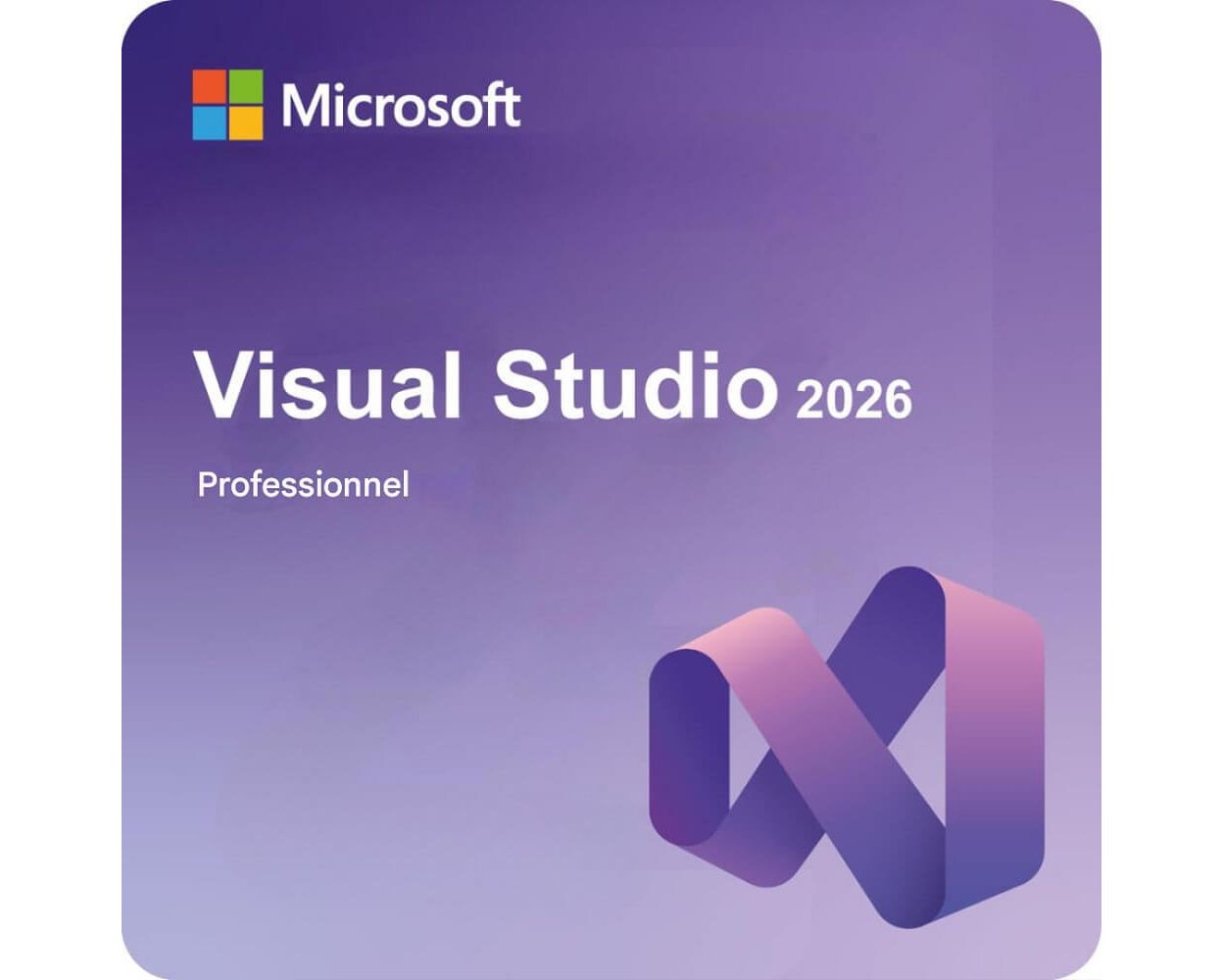
Microsoft Visual Studio Professional 2026
Delivery Delivery within 24 hours via email
Delivery within 24 hours via emailTechnical Support Free
Free
FreeActivation Key Authentic Code
Authentic CodeDownload Download Link
Download LinkInstallation Guide(s) Clear and detailed
Clear and detailedAvailable Languages Multilingual
MultilingualPlatform(s) Windows
WindowsAvailable validity Lifetime
LifetimeCountry Zone(s) Worldwide
WorldwideVersion Full Version
Full Version
The Benefits of Buying Microsoft Visual Studio Professional 2026 from us
Guaranteed Authenticity
All our softwares are 100% authentic, directly from official manufacturers.
Warranty
Enjoy peace of mind with our during the product's validity warranty, far beyond the standard 30 days.
Free Installation
Enjoy a free installation service for a hassle-free setup.
24/7 Customer Support
Our dedicated team is available anytime to assist you.
Best Prices
Get the best prices: NZD932.99!
Description
Microsoft Visual Studio Professional 2026: Overview
Microsoft Visual Studio Professional 2026 is a next-generation integrated development environment (IDE) designed for professional developers and small-to-medium teams. It blends powerful coding tools with deep AI integration to streamline the creation of complex applications across web, mobile, desktop, and gaming platforms.
- AI-Powered Diagnostics: Features the new AI Profiler Assistant for expert-level performance analysis directly in the dev workflow.
- Fluent Design System: A modernized interface with updated icons and smooth transitions designed to reduce eye strain during long sessions.
- Enterprise-Grade Control: Includes advanced policy settings for organizations to manage extension usage and security precisely.
- Zero-Risk Transition: Supports side-by-side installation with Visual Studio 2022, allowing for testing without disrupting existing projects.
Level up with AI in Microsoft Visual Studio Professional 2026
Artificial Intelligence is at the core of the development experience, transforming how code is written and maintained. This version introduces sophisticated tools that act as a proactive partner, helping teams minimize manual effort and focus on high-impact innovation.

Copilot Deeply Integrated
GitHub Copilot is no longer just an add-on; it is woven into the fabric of the IDE to understand the full context of your solutions and repositories. This integration allows for real-time code suggestions, automated refactoring, and explanation of complex APIs. By anticipating your next move, it grants developers more creative freedom and reduces the mental load of repetitive tasks.

Break Through Development Blockers
When facing tricky bugs or unfamiliar libraries, the AI assistant provides clarity and momentum by suggesting viable solutions and alternatives. It functions as a pair programmer that stays in your editor, preventing the need to jump between browser tabs for documentation. This continuous support ensures that momentum is maintained even during the most challenging phases of a project.

Professional Productivity Refined
The AI tools are specifically optimized for .NET 10, C++, and Azure workloads to ensure high-performance output across all environments. Developers can automate boilerplate code generation, allowing them to focus strictly on business logic and architecture. This results in faster deployment cycles and a more efficient path from initial idea to working code.
Modern Workloads and Language Support in Microsoft Visual Studio Professional 2026
To meet the demands of modern software engineering, this release provides comprehensive support for the latest industry standards and frameworks. From high-performance gaming to cloud-native microservices, the environment is pre-configured to handle diverse and complex tech stacks.
Full-Stack Power with .NET 10 and C# 14
The 2026 edition provides first-class support for the latest frameworks, enabling the construction of high-performance cloud-native and web applications. With C# 14, developers can write more expressive and clearer code with less effort thanks to updated syntax and performance improvements. It is the definitive choice for teams looking to leverage the newest capabilities of the Microsoft ecosystem.
Advanced Gaming and C++ Development
Support for C++26 language features and STL updates makes this IDE a powerhouse for high-performance systems and cross-platform development. Gaming professionals benefit from dedicated tools for Unity and Unreal Engine, ensuring immersive experiences are built with precision. The environment also includes enhanced debugging and diagnostic tools specifically for memory-intensive gaming projects.
Seamless Cloud and DevOps Integration
Building cloud-native apps is simplified through native .NET Aspire support and deeper integration with Azure AI services. The IDE streamlines the entire CI/CD pipeline with smarter Git tooling and direct GitHub Actions connectivity for efficient team collaboration. These features allow teams to manage their DevOps workflows without needing expensive enterprise-specific third-party tools.
System Requirements
- Operating System: Windows 11 (64-bit), Windows 10 Version 21H2 or higher, Windows Server 2019, 2022, or 2025.
- Processor: Quad-Core or better (x64 architecture).
- Memory: 8 GB RAM minimum (16 GB or more recommended).
- Hard Disk Space: 50 GB to 100+ GB of available space, depending on installed workloads.
- Graphics: DirectX 11 compatible GPU with at least 2 GB of VRAM; 1080p resolution or higher.
- Software: .NET Framework 4.8 or newer and Edge WebView2 runtime.
Frequently Asked Questions
-
Is Microsoft Visual Studio Professional 2026 compatible with my current extensions?
Yes, the 2026 version is designed to be compatible with extensions developed for Visual Studio 2022 from day one. This ensures that your favorite productivity tools and custom add-ons will work immediately after the upgrade.
-
Can I run Visual Studio 2026 alongside my older version of Visual Studio?
Absolutely. Visual Studio 2026 supports side-by-side installation, meaning you can install it on the same machine as Visual Studio 2022 without any risk of conflict or disruption to your existing settings and projects.
-
What are the main benefits of the new Fluent UI?
The Fluent UI redesign brings a cleaner, sharper interface with modern icons and fluid motion. It is specifically designed to improve focus and navigation, making it easier to manage large codebases during extended coding sessions.
-
How do I download and activate Microsoft Visual Studio Professional 2026?
Once your purchase is complete, you will receive a secure download link and a valid license key by e-mail. Follow the installation instructions, enter your product key and start using Microsoft Visual Studio Professional 2026 immediately.