 More than +1 Million customers put their trust in us | INSTANT-DELIVERY

Cart is empty
 Our Brands











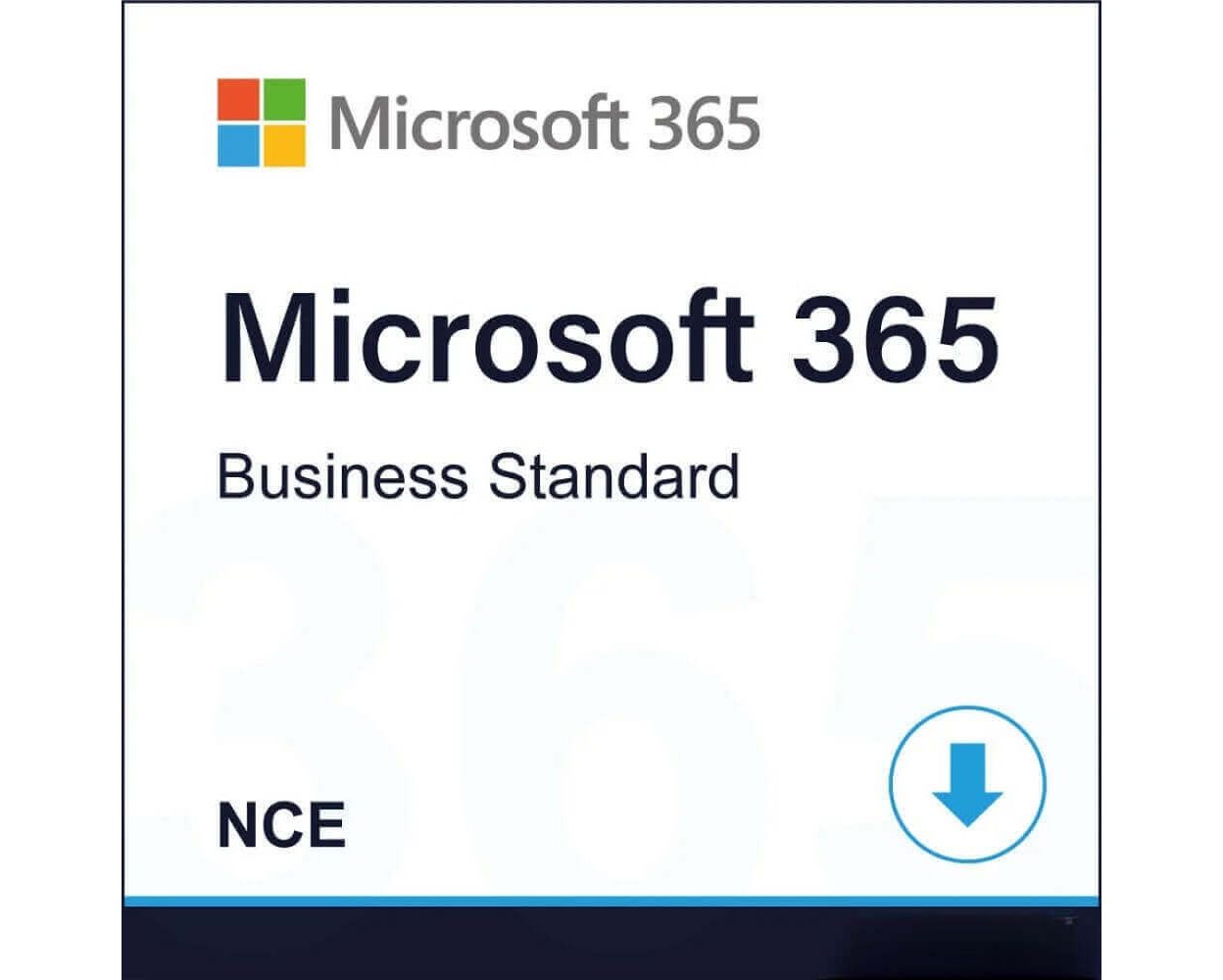
Hover on image to enlarge
Microsoft 365 Business Standard (NCE)
Delivery Within 24 hours via email
Within 24 hours via emailTechnical Support Free
Free
FreeActivation Key Authentic Code
Authentic CodeDownload Via the official website
Via the official websiteInstallation Guide(s) Clear and detailed
Clear and detailedAvailable Languages Multilingual
MultilingualPlatform(s)
 Windows, |  macOS, |  iOS, |  Android |
Available validities 1 year
1 yearCountry Zone(s) Worldwide
WorldwideVersion Full Version
Full Version
The Benefits of Buying Microsoft 365 Business Standard (NCE) from us
Guaranteed Authenticity
All our softwares are 100% authentic, directly from official manufacturers.
Warranty
Enjoy peace of mind with our during the product's validity warranty, far beyond the standard 30 days.
Free Installation
Enjoy a free installation service for a hassle-free setup.
24/7 Customer Support
Our dedicated team is available anytime to assist you.
Best Prices
Get the best prices: NZD174.99!
Description
Microsoft 365 Business Standard (NCE) : Overview
Microsoft 365 Business Standard (NCE) provides a robust, cloud-based productivity suite designed for modern business operations. It combines professional email, Office applications, and secure cloud storage, enabling seamless collaboration across devices and locations while maintaining enterprise-level security and management capabilities.
- Access the latest desktop, web, and mobile versions of Word, Excel, PowerPoint, and Outlook to work efficiently across all devices.
- Benefit from a professional business email with 50 GB mailbox storage for effective communication.
- Utilise 1 TB of OneDrive cloud storage per user to store, edit, and share documents safely from anywhere.
- Enhance team collaboration with Microsoft Teams, supporting meetings, webinars, and real-time chat.
- Control user access, identities, and device management for up to 300 employees, ensuring secure operations.
- Optional AI-powered productivity boost with Microsoft 365 Copilot.
Microsoft 365 Business Standard (NCE) Productivity Tools
Email and Calendar
Communicate and organise effectively with Outlook. Each user benefits from a professional 50 GB mailbox and can send attachments up to 150 MB. Synchronise emails, appointments, and calendars seamlessly across all devices, ensuring uninterrupted workflow wherever You work.
1 TB Cloud Storage
Each user enjoys 1 TB of secure OneDrive cloud storage for effortless file access and sharing. Save, edit, and collaborate on documents in real time, with automatic synchronisation and enterprise-grade data encryption ensuring reliability and security.
Microsoft 365 Apps Online
Access continuously updated desktop and web versions of Word, Excel, PowerPoint, OneNote, and Outlook. Work collaboratively in real time across multiple platforms without software installation, boosting productivity and enabling flexible teamwork.
Microsoft 365 Business Standard (NCE) Collaboration and Security
Teams and Collaboration Tools
Empower communication with Microsoft Teams, combining video calls, instant messaging, webinars, and shared workspaces. Collaborate in real time, co-edit documents, and integrate tools like SharePoint, Planner, Loop, and Clipchamp to enhance daily workflows.
Data Protection and Management
Safeguard company information with advanced security controls and centralised management. Enforce access policies, protect user identities through multi-factor authentication, and ensure secure data storage across all devices connected to the organisation.
System Requirements
- Operating System: Windows 11, Windows 10, Windows 8.1, Windows Server 2016/2019; macOS last three versions; Android supported versions; iOS supported versions
- Processor: Windows: 1.6 GHz Dual Core or faster (2 GHz recommended for Teams); Mac: Intel processor; Android: ARM-based or Intel x86; iOS: N/A
- RAM: Windows: 4 GB (2 GB for 32-bit); Mac: 4 GB; Android: 1 GB; iOS: N/A
- Disk Space: Windows: 4 GB free; Mac: 10 GB free (HFS+ format); Android/iOS: N/A
- Display: Windows: 1280 × 768 pixels; Mac: 1280 × 800 pixels; Android/iOS: N/A
- Graphics: DirectX 9 or higher with WDDM 2.0 or higher; 128 MB graphics memory for Teams and hardware acceleration
- Other Requirements: Internet connection required for online features; Microsoft account required; touchscreen device needed for touch features; keyboard and mouse supported
Frequently Asked Questions
-
Can I use Microsoft 365 Business Standard (NCE) without a Microsoft account?
A Microsoft account is necessary to access Microsoft 365 Business Standard (NCE) services, including email, cloud storage, and applications
-
Are Office applications included in this plan available offline?
The subscription provides access to desktop, web, and mobile versions. Full offline usage is available with desktop apps, while web and mobile apps require internet connectivity
-
How much OneDrive cloud storage do I get per user with Microsoft 365 Business Standard (NCE)?
Each user receives 1 TB of OneDrive cloud storage, allowing secure file storage, sharing, and collaboration from any device
-
How do I download and activate Microsoft 365 Business Standard (NCE)?
Once your purchase is complete, you will receive a secure download link and a valid license key by e-mail. Follow the installation instructions, enter your product key and start using Microsoft 365 Business Standard (NCE) immediately